 LinkedIn
  You-tube
 Native Business Central Extension
Installed directly inside BC via Microsoft AppSource - no third-party platform, no separate login. Everything is managed within your existing BC environment, and all data stays within your own BC environment.




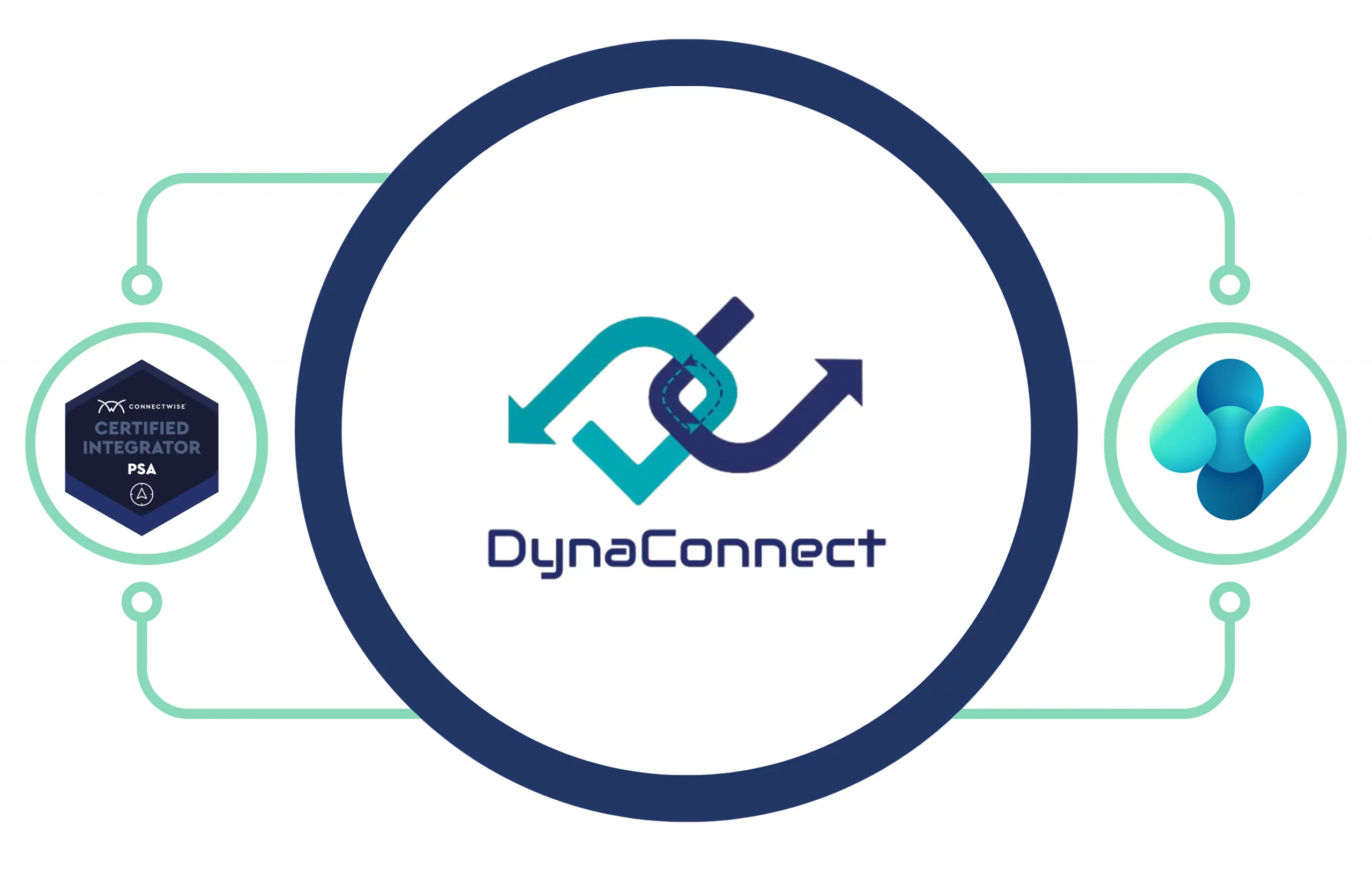
DynaConnect is a native ConnectWise PSA integration for Microsoft Dynamics 365 Business Central that enables real-time synchronization of customers, invoices, agreements, purchase orders, expenses, and payments - without requiring middleware or third-party integration platforms.
Native. Certified. No Middleware.
DynaConnect is an enterprise-grade ConnectWise PSA integration for Microsoft Dynamics 365 Business Central, delivered as a certified extension built directly inside Business Central. Unlike traditional middleware or iPaaS platforms, DynaConnect enables organizations to manage synchronization from a single environment while maintaining greater visibility and control.
Built for MSPs – Purpose-built for Managed Service Providers (MSPs), DynaConnect connects ConnectWise PSA and Dynamics 365 Business Central to eliminate manual data entry, reconciliation delays, and disconnected processes.
Dual Certified – Developed by Madhda Inc., DynaConnect is:
These certifications provide confidence through independent validation from both Microsoft and ConnectWise.
DynaConnect synchronizes: Customers, Vendors, Agreements, Products and Items, Sales Invoices, Purchase Orders, Employee Expenses, and Customer Payments keeping ConnectWise PSA and Business Central aligned without manual effort.
What sets DynaConnect apart from other ConnectWise PSA integrations for Microsoft Dynamics 365 Business Central is its architecture. Unlike middleware platforms, cloud integration services, or standalone applications, DynaConnect is delivered as a native Business Central extension built using Microsoft's AL programming language and deployed through Microsoft AppSource.Traditional integration approaches often rely on external iPaaS platforms such as Azure Logic Apps, Zapier, Boomi, or MuleSoft. These solutions introduce additional costs, complexity, and maintenance requirements. DynaConnect simplifies integration with a streamlined architecture designed for reliability and ease of management.
No separate integration platform subscription or vendor relationship to manage
No additional monitoring dashboard outside of Business Central
No middleware that could break, require independent updates, or go offline
No learning curve - everything is configured and monitored within Business Central
With DynaConnect, all data flowing between ConnectWise PSA and Business Central is processed and stored exclusively within your own BC environment. There is no external database, no third-party cloud storage, and no vendor-held data. This matters across every dimension of your business.
Because DynaConnect is embedded inside Business Central, your finance and operations teams never need to switch platforms. They configure field mappings, trigger syncs, view error logs, and monitor data flow entirely within the Business Central environment they already use every day. This dramatically reduces adoption friction and increases long-term usage success.
DynaConnect is one of very few ConnectWise Business Central integration solutions to carry both a ConnectWise PSA Certified designation and a Microsoft AppSource listing. These are not marketing labels - they represent independent, rigorous validation by two of the world's leading technology platforms.For procurement and IT teams, these dual certifications significantly simplify vendor evaluation. You are selecting a ConnectWise PSA integration for Dynamics 365 Business Central that has already been vetted by both Microsoft and ConnectWise - reducing risk, shortening approval timelines, and providing clear accountability.

Managed Service Providers (MSPs) and growing technology businesses rely on ConnectWise PSA for service delivery, ticketing, project management, and billing, while Microsoft Dynamics 365 Business Central manages financial operations, procurement, and reporting.Individually, these platforms are powerful. But when they operate in silos, organizations face hidden costs, manual processes, and increasing operational complexity.


Finance staff manually re-keying invoices from ConnectWise into Business Central daily

Customer records created in ConnectWise never reaching Business Central automatically

Purchase orders approved in BC not visible to PSA project managers

Employee expense reports waiting in a queue for manual posting

Payments applied in BC not reflected in ConnectWise - causing customer confusion

Month-end close delayed while teams reconcile data across both platforms


Higher headcount cost just to manage data re-entry and reconciliation

Billing errors and disputes from incorrect or delayed invoices

Delayed revenue recognition impacting financial reporting accuracy

Custom integrations break every time ConnectWise or BC is updated

Compliance risks from inconsistent data across financial and operational systems

Inability to scale revenue without proportionally growing admin overhead
Most organizations experience these challenges not because they lack the right systems, but because those systems were never designed to communicate natively.DynaConnect solves these challenges with a certified, real-time ConnectWise PSA integration for Microsoft Dynamics 365 Business Central, eliminating manual processes and helping organizations maintain alignment between operations and finance.
DynaConnect operates as a native Business Central extension that communicates with ConnectWise PSA through a secure, encrypted REST API layer. Because the integration lives inside Business Central, all configuration, logic, and monitoring happen within your existing BC environment. There is no separate middleware to manage, no external vendor login, and no data leaving your Business Central environment.The ConnectWise Business Central integration supports both real-time, event-triggered sync - something changes in ConnectWise → Business Central updates immediately - and scheduled batch synchronization for bulk data refresh at defined intervals. Both modes are configured and managed directly within Business Central.
















All synced data is stored exclusively in your Business Central environment.
DynaConnect is not a simple data pipe. It is a comprehensive ConnectWise PSA integration platform designed specifically for the operational complexity of MSPs running Dynamics 365 Business Central. Here is a detailed look at every capability:

Installed directly inside BC via Microsoft AppSource - no third-party platform, no separate login. Everything is managed within your existing BC environment, and all data stays within your own BC environment.

Supports both event-triggered real-time sync and configurable batch synchronization. Finance teams can trigger on-demand syncs or set schedules aligned with their workflows.

Out-of-the-box ConnectWise PSA integration connectors for all major data entities - customers, vendors, invoices, POs, expenses, payments, and agreements.

Visually map fields between ConnectWise and Business Central without writing code. Set conditional rules, transformations, and default values to ensure data integrity.

A comprehensive error log interface built natively inside BC - view failed syncs, identify root causes, retry records, and configure alerts without leaving Business Central.

All data exchange uses encrypted HTTPS with token-based authentication. No credentials or data are stored outside Business Central. Fully compliant with Microsoft security standards.

Set custom triggers based on business events - when an invoice is approved in ConnectWise PSA, it auto-posts to Business Central. Reduce human intervention and close process gaps.

Architecture designed to grow with your MSP business. As you add customers, ConnectWise entities, or BC modules, the integration adapts without re-engineering.

Synchronization spans all key BC modules - Finance, Sales, Purchasing, Inventory, and Projects - ensuring every department has current, accurate data at all times.

Before go-live, a real-world simulation validates every sync scenario against your actual data - catching edge cases and confirming the integration behaves exactly as expected.

Supports all versions of ConnectWise PSA (Manage) and all supported versions of Dynamics 365 Business Central - including cloud (SaaS) and on-premises deployments.

Leverages BC's native role and permission system to control who can configure mappings, trigger syncs, or view error logs - no additional user management layer required.
DynaConnect covers a comprehensive set of data entities across ConnectWise PSA and Dynamics 365 Business Central. Below is the complete reference of every entity synchronized - including direction, sync mode, and the business value of each:













DynaConnect comes with a structured, proven implementation methodology delivered by Madhda's certified team. Because the ConnectWise Business Central integration is built entirely inside Business Central, there is no infrastructure to provision, no middleware to configure externally, and no third-party platform to onboard. You install from AppSource and work through our structured process:
Understand existing systems, workflows, and integration goals.

DynaConnect installs directly from Microsoft AppSource into Business Central in minutes

Secure API credentials are configured between your ConnectWise PSA instance and DynaConnect within BC

Using DynaConnect's visual mapping engine inside BC, all field-level mappings are configured
Sync triggers, schedules, and automation rules are configured
A full CRP simulation is conducted using representative sample data
End-to-end QA testing covers data integrity, sync performance, error handling, and business rule compliance

Integration deployed to production with close monitoring of initial sync cycles

Hands-on training within Business Central for finance, operations, and IT teams

Madhda provides continuous post-go-live support, monitoring, and maintenance
Many MSPs evaluate generic iPaaS platforms, custom-built scripts, or manual workarounds before discovering DynaConnect. Here is an honest, side-by-side comparison of your ConnectWise PSA integration options:
| Feature |
 | Generic iPaaS (Zapier, Boomi, etc.) | Custom-Built Integration |
|---|---|---|---|
Built inside Business Central |
Yes - 100% native |
No - separate platform |
Depends on developer |
Data stays in your BC environment |
Yes - always |
No - routed through vendor |
Depends on design |
ConnectWise PSA Certified |
Fully Certified |
Not certified |
Not certified |
Microsoft AppSource Listed |
Officially Listed |
Not listed |
Not listed |
Time to go live |
Days to weeks |
Weeks to months |
Months to years |
Ongoing maintenance cost |
Low - monthly subscription |
High - monthly SaaS + dev |
Very high - custom dev |
Breaks after system updates |
Maintained proactively |
Frequently |
Common issue |
No-code field mapping |
Full visual mapping in BC |
Partial only |
Requires developer |
Error dashboard inside BC |
Native BC dashboard |
External tool only |
External tool only |
Scalable without rework |
Built to scale |
Limited |
Significant rework |






DynaConnect meets the technical standards expected of enterprise-grade Dynamics 365 Business Central extensions. Below is the complete technical profile:

Native Business Central Extension via Microsoft AppSource - no external installation required

Microsoft AL (Application Language) - the standard for Dynamics 365 BC extensions

Native BC extension + secure REST API layer communicating with ConnectWise PSA

Exclusively within your Business Central environment - no external database or third-party storage

Token-based authentication with encrypted HTTPS for all ConnectWise PSA API communication

Real-time (event-triggered) and Scheduled (batch) - both configurable within Business Central

All versions of ConnectWise PSA (Manage)

All supported versions of Microsoft Dynamics 365 Business Central (Cloud SaaS & On-Premises)

Inherits Microsoft's enterprise security framework - GDPR compliant, SOC 2 aligned

Business Central's native role and permission system - no additional user management required

Comprehensive error logging dashboard built natively inside Business Central

All sync events, successes, failures, and warnings logged within Business Central

ConnectWise PSA Certified + Microsoft AppSource Listed

One-time implementation fee + affordable monthly subscription
Connect ConnectWise PSA and Dynamics 365 Business Central with DynaConnect and start eliminating manual processes, improving visibility, and accelerating growth.
Book a Demo TodayDynaConnect is built, maintained, and supported by Madhda Inc. a certified Microsoft Solutions Partner and ConnectWise partner with a global team and clients across the United States, United Kingdom, Australia, UAE, Canada, Netherlands, Germany, and Denmark.
Madhda brings a rare combination of deep Microsoft Dynamics expertise, proven ConnectWise PSA integration experience, and a commitment to delivering practical, cost-effective, and durable implementations. With Madhda, you are not just buying software - you are gaining a long-term technology partner who understands both your PSA and ERP environments inside and out.









Discover how Madhda has transformed businesses with innovative IT and BPO solutions, fostering growth, efficiency, and success across various industries.

TaskCentral is a powerful integration app built natively for Microsoft Dynamics 365 Business Central that bridges the gap between operational systems and financial processes.
Explore
TD SYNNEX Connector is a powerful integration app built inside Dynamics 365 Business Central that seamlessly connects your ERP system with TD SYNNEX, enabling automated data exchange, improving accuracy.
Explore
A powerful application for Microsoft Dynamics 365 Business Central that simplifies asset maintenance, automates workflows, and helps you track performance across the entire asset lifecycle - all within a single system.
Explore
Generate secure Stripe payment links directly from Sales Orders, track payment status in real time, and automate customer payment journals - all within Dynamics 365 Business Central.
Explore
Container Module for efficient shipment tracking and logistics management, designed to improve visibility across the supply chain, enhance coordination, ensure timely and accurate delivery of goods.
Explore
Take full control of your purchasing process with Procure+, the all-in-one procurement solution embedded in Microsoft Dynamics 365 Business Central, and enhance visibility across your organization.
Explore
Notify365 empowers your business to deliver real-time, actionable updates directly from Microsoft Dynamics 365 Business Central using WhatsApp — the world’s most widely used messaging app.
Explore
Our HRMS and Payroll management enables a company to fully understand its workforce while staying compliant with changing tax laws and labour regulations, ensuring accuracy and efficiency.
Explore
Leverage MADHDA's comprehensive IT services to propel your business into the future. Our solutions, from Dynamics 365 to ERP re-architecting, are designed to optimize your operations, enhance efficiency, and drive growth.
ExploreNo, DynaConnect is installed entirely within Microsoft Dynamics 365 Business Central via Microsoft AppSource. There is no external software, no third-party platform, and no separate application to install or manage. Configuration, monitoring, error handling, and sync management are all done within your existing Business Central environment.
All data synchronised by DynaConnect is stored exclusively within your Business Central environment. DynaConnect does not route, store, or retain any business data on external servers or third-party platforms. Your data is fully protected by Microsoft’s enterprise security controls and remains under your control at all times.
DynaConnect supports all versions of ConnectWise PSA (Manage) and all supported versions of Microsoft Dynamics 365 Business Central – including both cloud (SaaS) and on-premises deployments. There are no version-specific limitations.
Yes, DynaConnect holds the ConnectWise PSA Certified designation and is officially listed on the ConnectWise Marketplace. This certification confirms that DynaConnect has been tested and validated against ConnectWise’s API standards and compatibility requirements.
Yes, DynaConnect is officially listed on Microsoft AppSource for Dynamics 365 Business Central. It has passed Microsoft’s App Validation program, confirming it meets Microsoft’s technical, security, and compliance standards for Business Central extensions.
Yes, DynaConnect’s flexible field mapping engine lets your team configure exactly which data entities are synchronized, how fields map between ConnectWise and Business Central, and what conditions or transformations apply. No coding is required – all configuration is done within Business Central.
DynaConnect includes a comprehensive Error Management Dashboard built natively inside Business Central. All failed syncs, warnings, and exceptions are logged with full detail so your team can quickly identify the issue, retry the record, and prevent future failures. Alerts can be configured to notify relevant team members automatically.
Most standard ConnectWise PSA to Business Central integration implementations go live within a few days to a few weeks, depending on the complexity of your environment and the number of data entities being configured. Madhda‘s structured methodology – including a Conference Room Pilot and full QA testing – ensures a smooth go-live regardless of complexity.
DynaConnect is priced with a one-time implementation fee and an affordable monthly subscription. Contact sales@madhda.com for a tailored quote based on your environment and requirements.
Madhda Inc. provides dedicated ongoing support for DynaConnect. As ConnectWise PSA and Business Central release updates, Madhda proactively maintains compatibility. For ConnectWise API credential assistance, the ConnectWise PSA support team (help@connectwise.com) is also available.






