 LinkedIn
  You-tube
 Manual Payment Tracking
Businesses often rely on multiple systems to track payments, resulting in increased administrative effort and limited visibility into transaction activity.




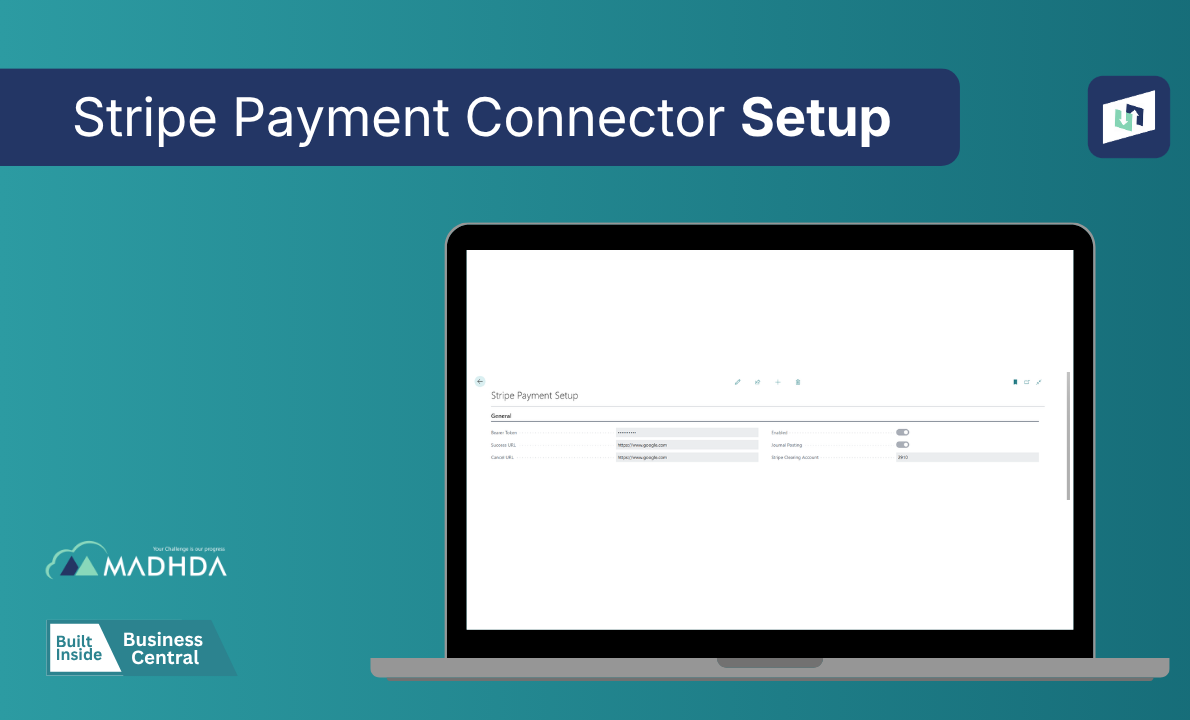
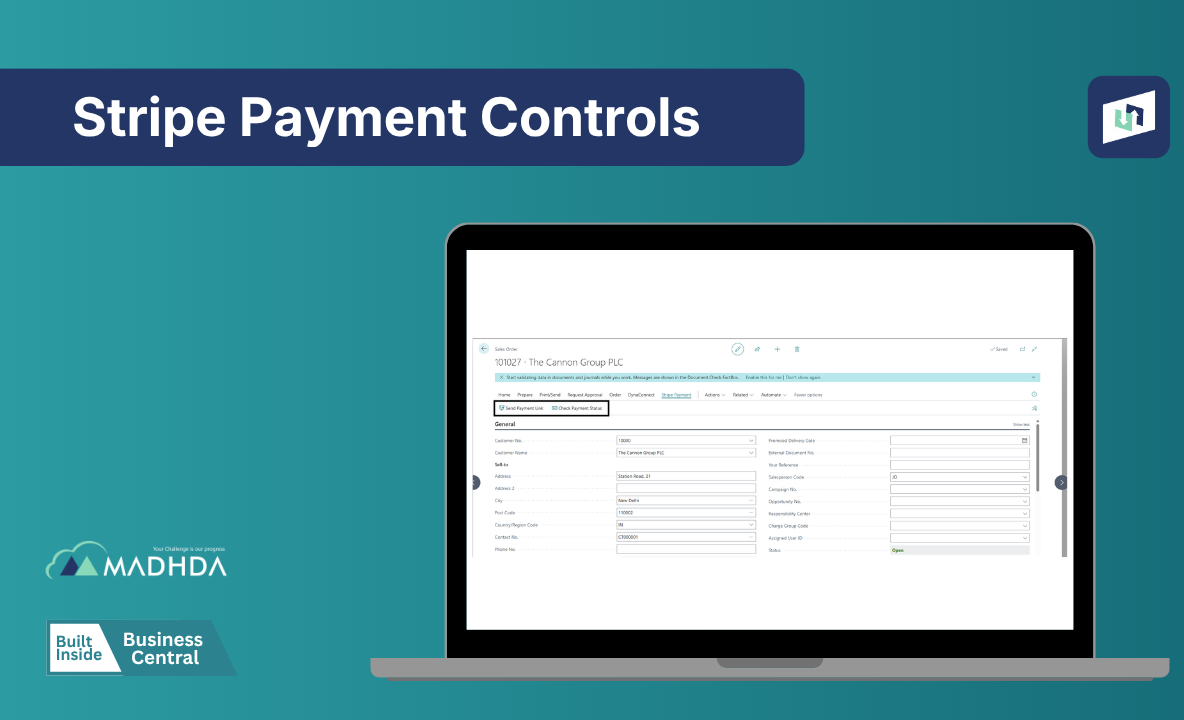
Generate secure Stripe payment links directly from Sales Orders, track payment status in real time, and automate customer payment journals - all within Dynamics 365 Business Central. Accelerate cash flow, reduce manual follow-ups, and simplify payment reconciliation with a seamless Stripe integration.
Create and onboard Stripe Connect accounts directly from Dynamics 365 Business Central, eliminating manual account setup.
Maintain account details and verification data from a centralized interface.
Track account onboarding progress, verification requirements, and account health in real time.
Access and manage all connected Stripe accounts from a single dashboard within Business Central.

Generate secure Stripe onboarding links directly from Business Central without switching platforms.
Monitor onboarding completion and quickly identify pending tasks and verification requirements.
Stay informed about KYC and compliance requirements to ensure smooth account activation.
Accelerate merchant onboarding and reduce delays in bringing new sellers online.
Automatically synchronize payment transactions between Stripe Connect and Dynamics 365 Business Central.
Monitor incoming payments and transaction details with complete visibility.
Support credit cards, debit cards, digital wallets, and other Stripe-supported payment methods.
Eliminate duplicate data entry and minimize processing errors through automation.

Manage and monitor payout activities directly from Business Central.
Track payout history and view payout statuses from a centralized dashboard.
Identify payout issues early and resolve exceptions before they impact operations.
Maintain complete visibility and control over fund distribution across connected accounts.

Automatically match Stripe transactions with Business Central financial records.
Track and reconcile Stripe processing fees with accounting entries.
Minimize manual reconciliation tasks and improve finance team productivity.
Maintain accurate and consistent financial records across systems.

Keep account, payment, and payout data synchronized automatically.
Ensure the latest Stripe Connect account information is reflected within Business Central.
Receive alerts for synchronization failures and processing exceptions.
Maintain reliable and consistent data between Stripe Connect and Dynamics 365 Business Central.

Access detailed payment reports and transaction summaries for better financial visibility.
Analyze payout trends and monitor disbursement performance.
Track connected account activity and engagement in real time.
Gain actionable insights to support data-driven business decisions and improve operational efficiency.


Businesses often rely on multiple systems to track payments, resulting in increased administrative effort and limited visibility into transaction activity.

Managing sellers, partners, and service providers across multiple platforms creates operational complexity and slows business processes.

Manual reconciliation processes make it difficult for finance teams to maintain accurate records and close books efficiently.
Disconnected systems prevent businesses from gaining real-time visibility into payment activity, account statuses, and payouts.

Manual onboarding and verification processes can delay merchant activation and impact the customer experience.

Growing marketplaces require scalable payment infrastructure to support increasing transaction volumes and connected accounts.

Review your payment workflows, marketplace structure, and business requirements.
Analyze your Business Central and Stripe Connect setup.
Deploy the Stripe Connect integration within Business Central.
Configure payment settings, connected account structures, and synchronization rules.

Validate transactions, onboarding processes, and payout workflows.

Launch the solution and provide ongoing support and optimization.
Stripe Connect for Microsoft Dynamics 365 Business Central is available on Microsoft AppSource, enabling fast, secure, and seamless deployment within the Microsoft ecosystem. Get started quickly and manage connected accounts, payments, payouts, and reconciliation processes directly from Business Central with confidence.
Simplify implementation, accelerate time to value, and leverage a solution built to scale with your marketplace operations.
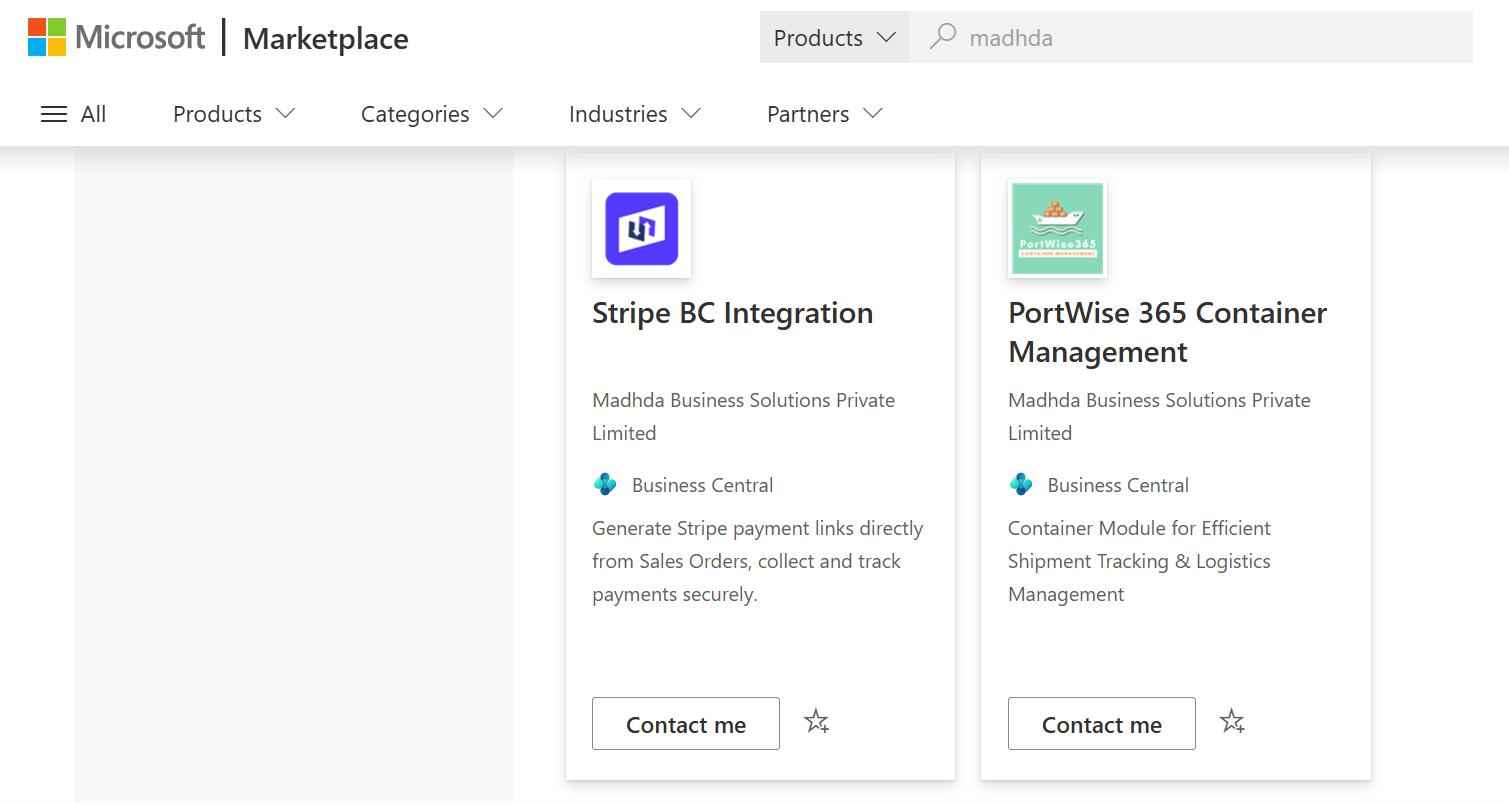

Manage connected accounts, automate payments and payouts, and simplify reconciliation directly within Microsoft Dynamics 365 Business Central. Reduce manual effort and gain complete visibility with a secure Stripe Connect integration.
Request a Demo




Seamlessly connect your Business Central with ConnectWise PSA to enable real-time, automated, and error-free data exchange across your business improving visibility and efficient business operations.
Explore
TD SYNNEX Connector is a powerful integration app built inside Dynamics 365 Business Central that seamlessly connects your ERP system with TD SYNNEX, enabling automated data exchange, improving accuracy.
Explore
A powerful application for Microsoft Dynamics 365 Business Central that simplifies asset maintenance, automates workflows, and helps you track performance across the entire asset lifecycle - all within a single system.
Explore
Optimize project and task management with seamless integration between Dynamics 365 Business Central and AutoTask. Track, assign, and manage tasks efficiently, all in one centralized system.
Explore
Simplify port operations, container tracking, and logistics workflows with PortWise 365. Fully integrated with Microsoft Dynamics 365 Business Central for real-time efficiency and control.
Explore
Take full control of your purchasing process with Procure+, the all-in-one procurement solution embedded in Microsoft Dynamics 365 Business Central, and enhance visibility across your organization.
Explore
Notify365 empowers your business to deliver real-time, actionable updates directly from Microsoft Dynamics 365 Business Central using WhatsApp — the world’s most widely used messaging app.
Explore
Our HRMS and Payroll management enables a company to fully understand its workforce while staying compliant with changing tax laws and labour regulations, ensuring accuracy and efficiency.
Explore
Leverage MADHDA's comprehensive IT services. Our solutions, from Dynamics 365 to ERP re-architecting, are designed to optimize your operations, enhance efficiency, and drive business growth.
Explore





