 LinkedIn
  You-tube
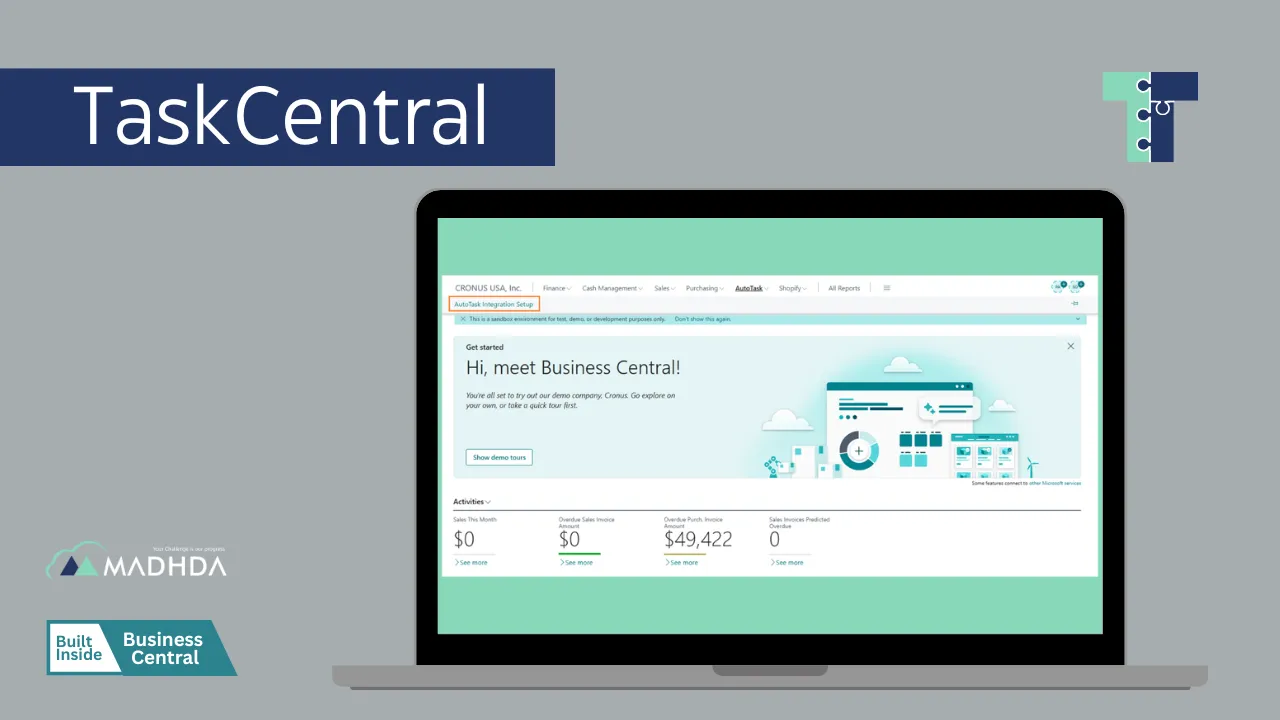
 Centralized Task Dashboard
Manage tasks across projects and departments from a single interface.



Optimize project and task management with seamless integration between Dynamics 365 Business Central and AutoTask. Track, assign, and manage tasks efficiently, all in one centralized system.
Tasks scattered across multiple platforms reduce efficiency.
Lack of centralized tracking leads to overlooked assignments.

Team members may not know their exact tasks.
Manual tracking prevents optimal workload distribution.

AutoTask and Business Central not synchronized.
Manual updates create errors and duplicate records.

Difficulty tracking task completion and project progress.
Hard to measure team productivity without proper reporting.

Manage tasks across projects and departments from a single interface.

Sync tasks between AutoTask and Dynamics 365 Business Central.
Keep team members updated on task assignments and deadlines.
Standardize recurring tasks for efficiency.
Easily monitor progress, urgency, and completion.

Assign tasks based on availability and workload.

Gain insights into team productivity and project status.
Comment, share, and update tasks within the platform.
Identify task workflows and integration points.
Set up TaskCentral dashboards and templates.
Connect AutoTask for seamless task sync.
Validate workflows and train teams on the system.

Deploy the solution and provide training to teams.

Launch the solution and provide continuous assistance.
TaskCentral is available on Microsoft AppSource, making it easy to deploy and integrate with Dynamics 365 Business Central and AutoTask.
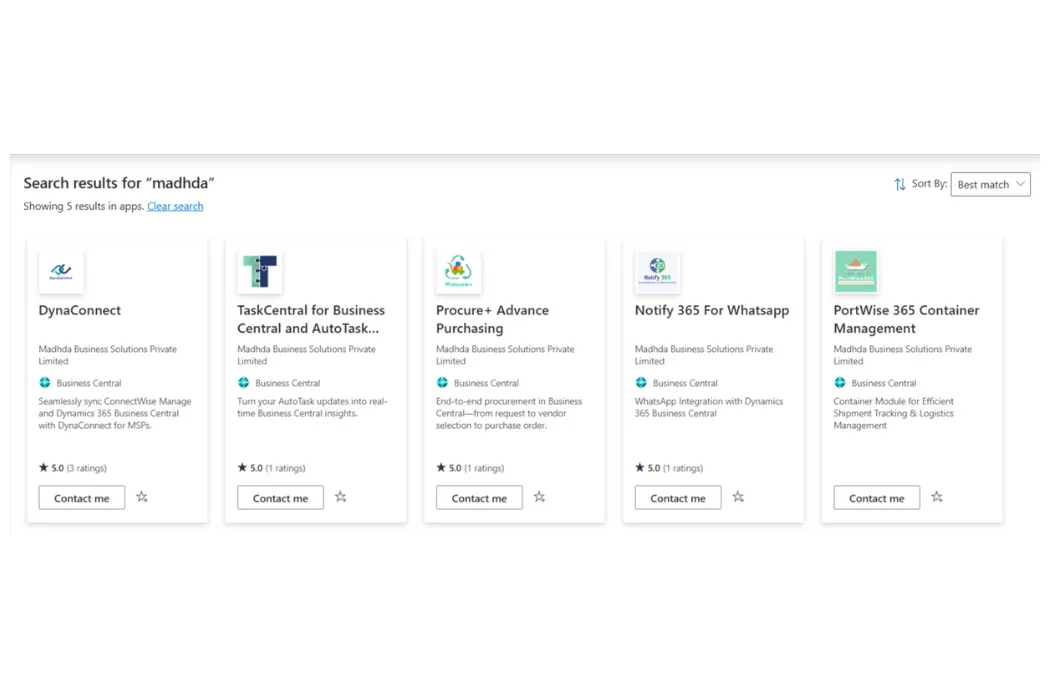
Track, assign, and manage tasks efficiently while integrating AutoTask with Dynamics 365 Business Central.
Request a Demo


Seamlessly connect your Business Central with ConnectWise PSA to enable real-time, automated, and error-free data exchange across your business improving visibility and efficient business operations.
Explore
Our HRMS and Payroll management enables a company to fully understand its workforce while staying compliant with changing tax laws and labour regulations, ensuring accuracy and efficiency.
Explore
Container Module for efficient shipment tracking and logistics management, designed to improve visibility across the supply chain, enhance coordination, ensure timely and accurate delivery of goods.
Explore
Leverage MADHDA's comprehensive IT services. Our solutions, from Dynamics 365 to ERP re-architecting, are designed to optimize your operations, enhance efficiency, and drive business growth.
Explore
Take full control of your purchasing process with Procure+, the all-in-one procurement solution embedded in Microsoft Dynamics 365 Business Central, and enhance visibility across your organization.
Explore
Notify365 empowers your business to deliver real-time, actionable updates directly from Microsoft Dynamics 365 Business Central using WhatsApp — the world’s most widely used messaging app.
Explore
TD SYNNEX Connector is a powerful integration app built inside Dynamics 365 Business Central that seamlessly connects your ERP system with TD SYNNEX, enabling automated data exchange, improving accuracy.
Explore





