LinkedIn
  You-tube

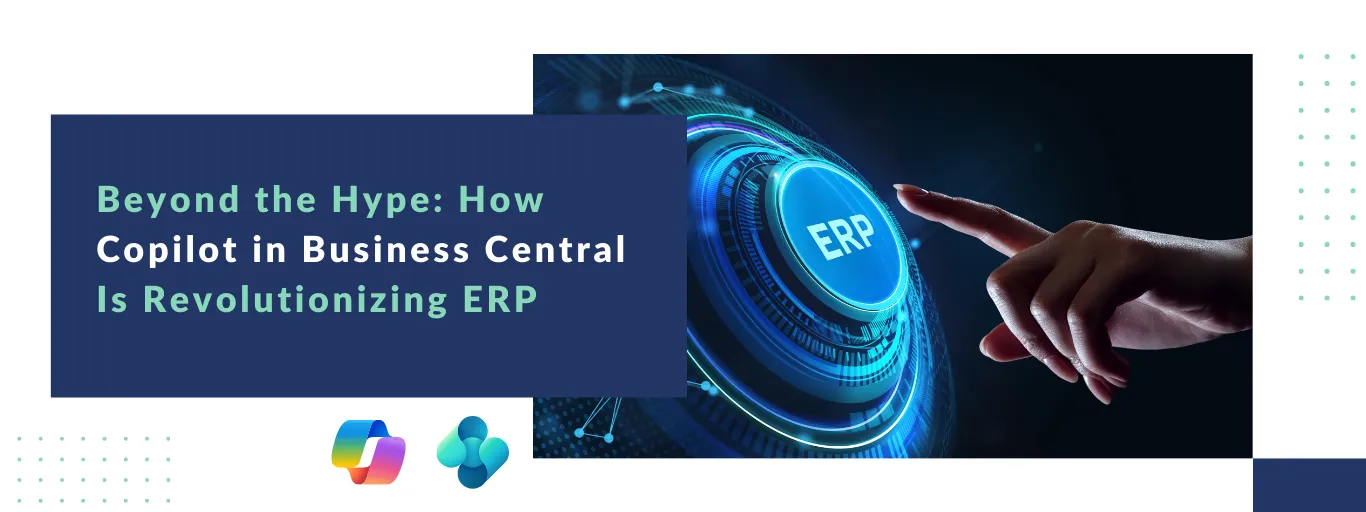

Digital transformation is no longer a boardroom buzzword – it has become a business necessity. One of the most impactful advancements driving this shift today is Copilot in Business Central, which brings embedded AI directly into ERP workflows. Over the past decade, organizations have moved to the cloud to gain agility, scalability, and resilience. Today, we are entering the next phase of that evolution: embedded artificial intelligence (AI).
For organizations running Microsoft Dynamics 365 Business Central, this evolution has a clear name – Microsoft Copilot.
What is Copilot in Business Central?
Copilot in Business Central is not just another chatbot layered onto your ERP. It is an AI-powered assistant embedded directly within Business Central, designed to work with your business data in real time.
Unlike general-purpose AI tools that rely on publicly available information, Copilot operates entirely within your Microsoft environment. It understands your company’s data context, respects security and compliance controls, and assists users without requiring them to leave the ERP system.
The result is AI-generated insights that are accurate, secure, and grounded in your actual business operations – not generic assumptions.
Real-World Ways Copilot in Business Central Delivers Value
While AI is often discussed in futuristic terms, Copilot is already delivering measurable value across finance, sales, and operations.
1. Automating the Heavy Lifting in Finance
Finance teams are among the biggest beneficiaries of Copilot in Business Central, especially when it comes to automation, accuracy, and speed.
a. Bank Reconciliation
Copilot automatically matches bank transactions, highlights discrepancies, and suggests corrections – reducing reconciliation cycles from hours to minutes.
b. Invoice Recognition
Copilot scans vendor invoices, extracts key details, and routes them into approval workflows. This eliminates manual data entry, reduces errors, and speeds up payables processing.
2. Streamlining Sales and Purchasing
Copilot in Business Central removes friction from order management and purchasing workflows.
a. Email-to-Order Automation
Copilot can read customer requests received via email and automatically draft sales orders, leaving your team focus only on review and validation.
b. Bulk and Batch Updates
Need to apply pricing adjustments, surcharges, or fees across hundreds of transactions? Copilot can identify the relevant records and apply updates in a single step.
3. Improving Data Quality and Accuracy
Copilot in Business Central acts as a real-time data quality monitor, continuously validating transactions and master data.
It validates user inputs against company-specific rules, flags of inconsistencies, and prevents errors before they impact downstream processes. Higher data quality leads to more reliable reporting, better forecasting, and fewer operational disruptions.
4. Shortening the Learning Curve for Users
ERP adoption often struggles due to complexity and training requirements. The copilot addresses this challenge directly.
Built-in prompts Copilot in Business Central to guide users through complex workflows, reinforcing best practices at the point of entry. This reduces dependency on extensive training programs and accelerates productivity for new employees.
The Strategic Shift Enabled by Copilot in Business Central: From Efficiency to Agility
The real power of Copilot in Business Central extends beyond operational efficiency and into strategic agility. It enables a strategic shift toward greater business agility.
1. Better Decision-Making
By highlighting anomalies, exceptions, and trends, Copilot draws leadership attention to issues that truly matter.
2. Standardized Processes
Copilot reduces human variability; ensuring processes are executed consistently and professionally across teams.
3. Lower Total Cost of Ownership
With fewer manual interventions and reduced reliance on custom development, organizations can maintain a leaner and more scalable ERP environment.
Getting Ready for Copilot: The Right Foundation
AI is a powerful catalyst – but Copilot in Business Central requires the right foundation to deliver sustainable value. To fully unlock Copilot’s potential, organizations should focus on the following areas:
1. Cloud Readiness
Most advanced AI capabilities in Business Central are cloud-based. Migrating to the cloud is the first step toward long-term innovation.
2. A Pragmatic AI Strategy
Start with high-impact, low-complexity use cases – such as bank reconciliation or invoice processing – to build confidence and momentum.
3. Human Oversight
The copilot is an assistant, not a replacement. Human validation and judgment remain essential to sound financial and operational decisions.
The Road Ahead
The future of Copilot in Business Central goes beyond task-level assistance and toward autonomous, agent-driven processes. Microsoft is actively developing AI Agents capable of managing multi-step workflows autonomously.
Upcoming innovations include prebuilt agents for:
- Supply planning
- Purchase approvals
In addition, Copilot Studio will enable organizations to build custom AI assistants tailored to their industry-specific processes and requirements.
Conclusion: Why Copilot in Business Central Defines the Future of ERP
The question for business leaders is no longer whether AI belongs to ERP systems – it is how quickly they can leverage it to gain a competitive advantage.
Copilot in Business Central is redefining how organizations interact with ERP, transforming Business Central from a transactional system into an intelligent business partner.
At Madhda, we help organizations move from their first AI use case to a fully integrated, intelligent ERP environment.
Is your Business Central environment ready for the next wave of transformation? Contact Madhda to explore how we can help you activate and scale Copilot across your business.