LinkedIn
  You-tube

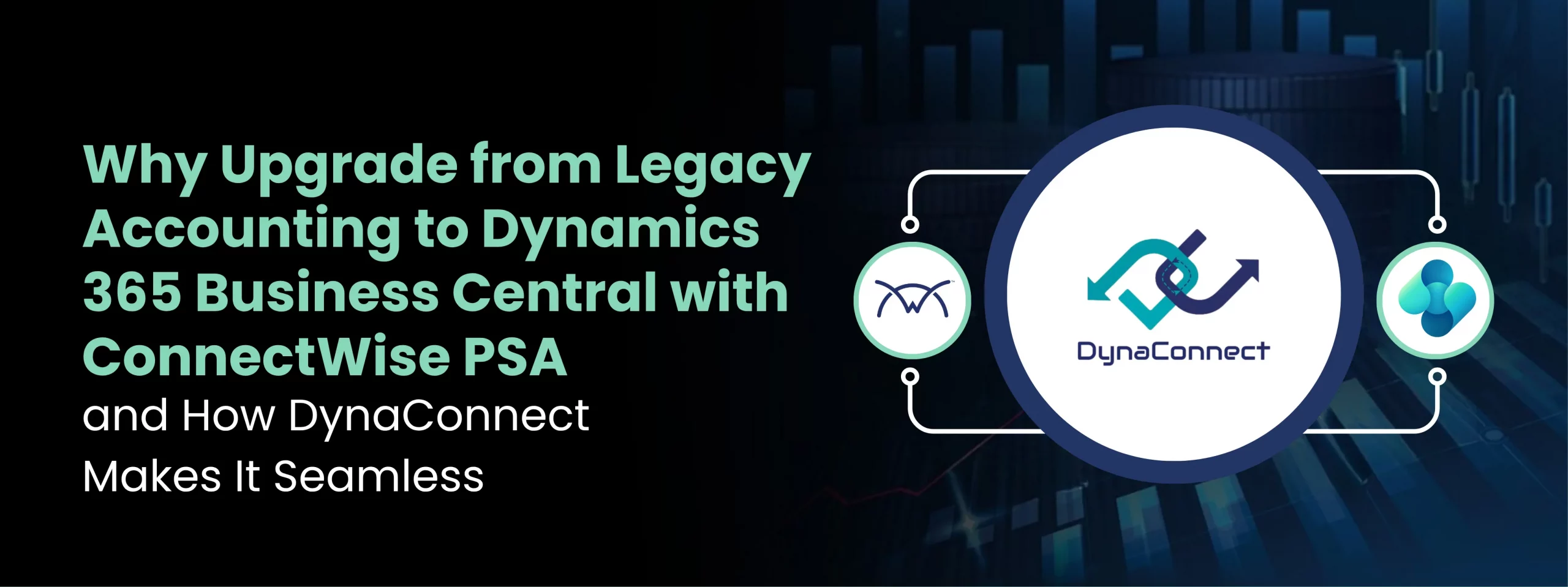

If you’re running ConnectWise alongside QuickBooks, Sage, or Xero and have been wondering whether it’s time to upgrade your financial backbone, this guide is for you.
You built your MSP or IT services business on ConnectWise PSA. It manages your tickets, projects, agreements, and procurement beautifully. But your accounting system – whether it’s QuickBooks, Sage, or Xero is quietly becoming the bottleneck. Manual exports, reconciliation nightmares, and a growing gap between operational data and financial reality. Sound familiar? It’s time to talk about Dynamics 365 Business Central and the certified integration that bridges both worlds without friction.
The Dual-System Dilemma Every Growing MSP Faces
ConnectWise PSA is purpose-built for managed service providers and IT firms. It excels at what it does – managing service tickets, tracking time, running projects, handling procurement, and keeping clients organized. It’s the operational nerve center of your business.
But when it comes to financial reporting, deeper accounting controls, multi-entity consolidations, or scalable ERP capabilities, ConnectWise was never designed to carry that weight alone. That’s why most shops pair it with an accounting solution – typically QuickBooks, Sage, or Xero.
For years, that combination worked. But as businesses grow, the cracks begin to show:
- Disconnected Data Silos – Operations live in ConnectWise. Financials live in your accounting tool. Neither speaks to the other in real time.
- Manual Data Entry & Duplication – Invoices, costs, purchase orders, and time entries are entered twice once in each system. Every duplicate entry is a risk.
- No Real-Time Visibility – Decision-making suffers because your financial picture is always a few days behind your operational reality.
- Scalability Ceiling – QuickBooks and Xero are great for small operations, but they hit a wall when your business grows in complexity, volume, or geography.
- Costly Custom Integrations – Custom-built bridges break with every update and require expensive rework an ongoing tax on your IT budget.
- Weak Compliance & Audit Trails – Growing businesses face tighter compliance demands. Legacy accounting tools often fall short on audit readiness and financial governance.
These aren’t just inconveniences. They’re operational risks that compound as your business scales. And they’re precisely why more ConnectWise-powered businesses are making the move to Microsoft Dynamics 365 Business Central as their financial and ERP backbone.
Why Dynamics 365 Business Central?
Microsoft Dynamics 365 Business Central is a cloud-native, enterprise-grade ERP system designed for growing and mid-market businesses. Forbes Advisor named it the best ERP system of 2024 and it’s easy to see why it’s resonating with IT services and MSP businesses that have outgrown their legacy accounting tools.
Enterprise Financial Power, Mid-Market Simplicity
Business Central brings general ledger, accounts payable and receivable, cash flow forecasting, multi-currency, multi-company consolidation, and deep financial reporting into a single unified platform. For businesses billing in multiple currencies, managing agreements across multiple clients, or needing to close the books with precision – it’s a transformative upgrade from QuickBooks or Xero.
Deep Microsoft Ecosystem Integration
Business Central is native to the Microsoft stack. It connects seamlessly with Microsoft 365, Power BI, Teams, Azure, and the entire Power Platform. If your team already lives in Outlook and Teams, Business Central feels like a natural extension of that environment.
AI and Copilot Ready
Business Central includes Microsoft Copilot, bringing AI-powered features into finance workflows from automatic reconciliation suggestions to intelligent forecasting. This is the direction enterprise software is heading, and Business Central is already there.
Scalable Architecture for Growing MSPs
Whether you have 10 employees or 500, operate in one country or five, Business Central scales with you. You won’t outgrow it and that’s a promise QuickBooks simply cannot make once you hit a certain size.
★★★★★
“Your work on the DynaConnect integration to Business Central has been nothing short of exceptional. You didn’t just deliver a solution; you solved a real business challenge that was critical for us. What stood out was your ability to understand the complexity, take ownership, and execute flawlessly.”
— Kenneth Melgaard
Owner · Melgaard IT, Denmark
The Big Question: What Happens to ConnectWise?
This is the concern that stops many businesses in their tracks. You’ve invested heavily in ConnectWise your workflows, your team’s habits, your automation, your client agreements. The idea of replacing it is unthinkable. And you shouldn’t have to.
Migrating to Business Central does not mean abandoning ConnectWise PSA. ConnectWise remains your operational platform handling tickets, projects, time tracking, procurement, and client management. Business Central takes over as the financial and ERP layer, giving you the accounting depth and scalability you need.
What you need is a reliable, certified, production-ready integration between the two one that keeps them synchronized in real time, eliminates manual data transfer, and doesn’t break every time either platform gets an update. That’s exactly what DynaConnect, built by Madhda, delivers.
Introducing DynaConnect: The Certified Bridge
DynaConnect is a purpose-built integration product developed by Madhda that creates a seamless, real-time, automated data bridge between ConnectWise PSA and Microsoft Dynamics 365 Business Central. It is the only integration of its kind that carries two of the most important certifications in the industry:
✦ MICROSOFT CERTIFIED
Microsoft AppSource Certified
DynaConnect is officially listed on Microsoft AppSource and fully certified for Dynamics 365 Business Central ensuring compliance, security standards, quality benchmarks, and seamless deployment within the Microsoft ecosystem.
✦ CONNECTWISE INVENT CERTIFIED
ConnectWise Invent Certified
DynaConnect is certified through the ConnectWise Invent program, listed on the ConnectWise Marketplace, and validated to integrate reliably with ConnectWise PSA built to last through platform updates.
These dual certifications mean DynaConnect isn’t a fragile point-to-point connector someone stitched together on a weekend. It is a production-grade, audited, marketplace-listed product backed by Madhda Inc a Microsoft Solutions Partner with deep expertise in Dynamics 365 implementations.
What DynaConnect Actually Does: Key Features
DynaConnect is engineered to solve the exact pain points ConnectWise PSA users face when migrating to or adopting Business Central. Here’s what’s under the hood:
| Feature | What It Does for You |
|---|---|
| Real-Time Data Sync | Automated, instant updates between ConnectWise and Business Central invoices, customers, products, time entries, and costs flow without manual steps. |
| Ready-to-Use Connectors | Pre-built connectors mean fast deployment. No starting from scratch proven integrations for the ConnectWise–Business Central workflow are included out of the box. |
| Flexible Mapping Engine | Customize how fields map between the two systems without writing a single line of code. Your data, your way. |
| Automated Workflows | Eliminate repetitive tasks through scheduled or event-triggered syncing. Invoicing, cost posting, and product catalog updates happen automatically. |
| Error Management Dashboard | A unified dashboard logs all failed syncs, warnings, and exceptions spot and resolve issues before they impact operations or finances. |
| Secure API Architecture | Encrypted, token-authenticated REST APIs between systems. Standards-based, auditable, and compliant with enterprise security requirements. |
| Scalable Framework | As your business grows, DynaConnect grows with you add new connected systems without rebuilding from scratch. |
| Cross-Module Support | Integrates across Sales, Finance, Inventory, Purchasing, and CRM modules full ERP sync, not just invoice transfer. |
★★★★★
“Madhda has a great platform to sync data between business central and ConnectWise! The team has been great to work with and help implement the solution. No more terrible financial reporting from QuickBooks, we have full dimension based reports in business central for all of our operations!”
— Cory Ruthardt
Before vs. After: What the Migration Actually Looks Like
| Before DynaConnect | After DynaConnect + Business Central |
|---|---|
| ❌ Manual export/import between ConnectWise and QuickBooks/Sage/Xero | ✅ Automated, real-time sync between ConnectWise and Business Central |
| ❌ Duplicate data entry across both platforms | ✅ Single data entry — changes propagate automatically |
| ❌ Financial reporting always lagging behind operations | ✅ Live financial dashboards reflecting current operational data |
| ❌ Reconciliation errors eating up accountant hours | ✅ Clean, automated reconciliation with full audit trails |
| ❌ Custom scripts that break with every platform update | ✅ Certified connectors that survive platform updates |
| ❌ No single source of truth for customers, products, or invoices | ✅ Unified customer, product, and invoice records across both systems |
| ❌ Limited scalability — QuickBooks cap on transactions and users | ✅ Enterprise-grade ERP that scales without a ceiling |
| ❌ No AI, no Power BI native integration, no Copilot | ✅ Power BI, Copilot AI, Teams integration built-in |
The Implementation Journey: What to Expect
Madhda follows a structured, low-disruption implementation approach designed to keep your operations running throughout the transition. Here’s how the DynaConnect rollout typically unfolds:
1. Requirement Analysis
Madhda’s team maps your existing ConnectWise workflows, your QuickBooks/Sage/Xero setup, and the integration goals. Nothing is assumed — everything is understood first.
2. Connector Setup & Configuration
DynaConnect’s pre-built ConnectWise connectors are deployed and configured against your Business Central environment. Custom mapping is applied where standard templates don’t fully fit your workflow.
3. Data Mapping & Validation
Field-level mapping between ConnectWise and Business Central is configured, tested, and validated against your live data — customers, products, invoices, time entries, and costs.
4. Workflow Automation Setup
Sync triggers, schedules, and rules are activated. Automated workflows replace the manual steps your team was performing every day.
5. Testing & Quality Assurance
End-to-end testing validates stability, accuracy, and performance. Edge cases are identified and handled before go-live.
6. Go-Live & Monitoring
The integration goes live with active monitoring for the first sync cycles. Fine-tuning happens in real time based on actual data flows.
7. Training & Ongoing Support
Your team is trained on both Business Central and the DynaConnect integration layer. Madhda provides dedicated ongoing support not a ticket queue, but real responsiveness.
Why Madhda?
DynaConnect is built and maintained by Madhda with a long track record of Dynamics 365 implementations, integrations, and migrations. Madhda is not a generic systems integrator they specialize in the Microsoft ecosystem and have deep, hands-on experience with ConnectWise environments specifically.
Madhda’s clients include globally recognized names – Capgemini, EY, Deloitte, Bank of America, and MIT alongside growing MSPs and IT services businesses like yours.
Is This Migration Right for You?
Not every business needs to make this move right now. But here’s a simple checklist. If you check three or more of these boxes, it’s time to have a serious conversation:
Quick Self-Assessment – Check the Boxes That Apply to You:
- You’re manually exporting data between ConnectWise and QuickBooks/Sage/Xero more than once a week
- Your accountant or finance team spends significant time reconciling data between the two systems
- You’ve had billing errors or revenue leakage caused by sync mismatches
- You operate across multiple legal entities, geographies, or currencies
- Your current accounting platform is hitting user limits, transaction limits, or reporting limitations
- You need better audit trails, compliance reporting, or financial governance as you grow
- You want real-time financial dashboards powered by Power BI connected directly to your operational data
If you checked 3 or more, it’s time to have a serious conversation with Madhda.
The ConnectWise + QuickBooks (or Sage or Xero) combination serves a generation of MSPs and IT services businesses. But the demands on today’s technology businesses the need for real-time financial visibility, scalable ERP capabilities, multi-entity reporting, and AI-powered insights have outpaced what that legacy combination can deliver.
Microsoft Dynamics 365 Business Central is the natural evolution of your financial infrastructure. And DynaConnect by Madhda ensures you don’t have to choose between your operational platform and your financial future. You keep ConnectWise. You gain Business Central. DynaConnect makes them one.
As a Microsoft Certified and ConnectWise Invent Certified product available on both Microsoft AppSource and the ConnectWise Marketplace, DynaConnect is the only integration built to the standards that both ecosystems demand and maintained by a partner with the expertise to see your migration through from kickoff to go-live.
Ready to See DynaConnect in Action?
Book a personalized demo with the Madhda team and see exactly how DynaConnect connects your ConnectWise PSA with Dynamics 365 Business Central live.