LinkedIn
  You-tube

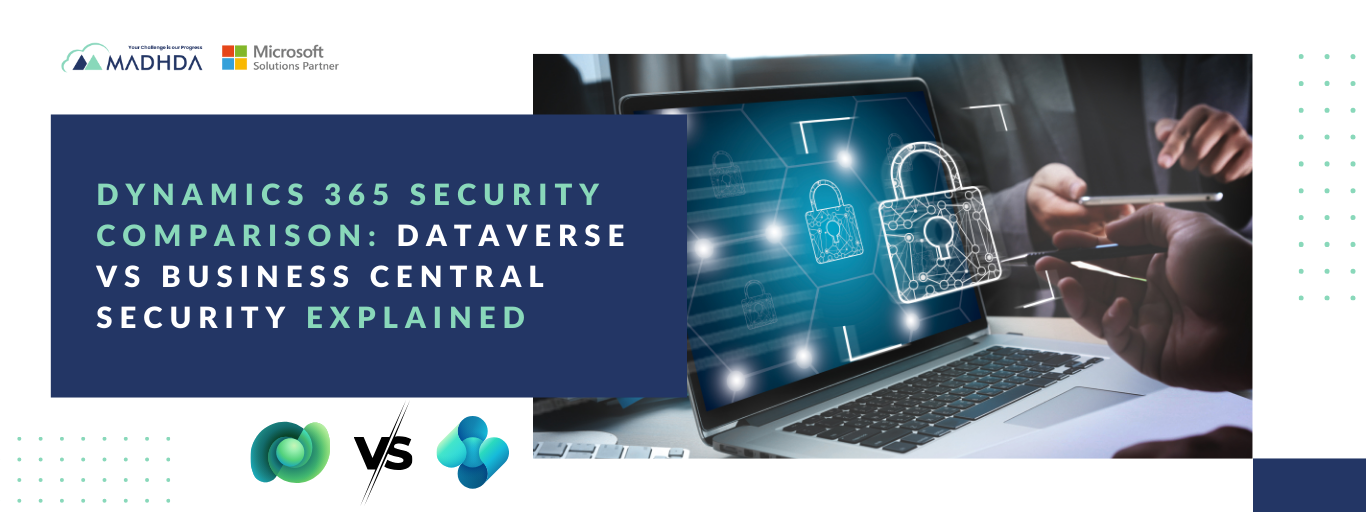

When designing solutions on Microsoft Dynamics 365, security is not just a technical requirement – it is a business-critical decision. Whether you are building custom applications, automating workflows, or running core financial operations, choosing the right platform depends heavily on how data access and control are managed.
This Dynamics 365 security comparison focuses on two key platforms: Microsoft Dataverse and Dynamics 365 Business Central. While both provide enterprise-grade security, they are built for very different purposes. Understanding Dataverse vs Business Central security is essential to selecting the right platform based on your organization’s security, compliance, and operational needs.
Why Security Matters in Dynamics 365 Platforms
Modern business systems manage highly sensitive information – financial records, employee data, approval of workflows, and operational transactions. An improperly designed security model can lead to compliance risks, data exposure, and operational inefficiencies.
Selecting the right Dynamics 365 platform helps ensure:
- Proper access control across users and roles
- Protection of sensitive and confidential data
- Compliance with internal policies and regulatory requirements
Although Dataverse and Business Central are part of the same Microsoft ecosystem, their security architectures differ significantly, which is why a clear Dynamics 365 security comparison is so important.
Security Model in Microsoft Dataverse
Microsoft Dataverse is designed as an application data platform, especially for Power Apps, Power Automate. As a result, its security model is highly flexible and user centric
Key Security Capabilities in Dataverse
Dataverse uses a role-based security model, where users can be assigned multiple security roles based on their responsibilities.
Core features include:
- Security roles for granular user access
- Permissions such as Create, Read, Write, Delete, Append, and Append To
- Access control at multiple levels:
– Table-level security
– Row (record)-level security
– Field-level security
This level of granularity makes Dataverse ideal for scenarios that require differentiated access across users, teams, or departments. From an architectural standpoint, Dataverse vs Business Central security clearly shows Dataverse’s strength in user-centric and approval-based applications.
Security Model in Dynamics 365 Business Central
Dynamics 365 Business Central is built as a full-featured ERP system, and its security model reflects that focus.
Security is managed through Permission Sets, which control access to:
- Tables
- Pages
- Reports
- Code units
This model is optimized for process-driven ERP operations such as accounting, posting routines, inventory management, and financial controls. In a Dynamics 365 security comparison, Business Central stands out for enforcing standardized business processes rather than flexible UI-level access.
While powerful and reliable, this approach is less adaptable for scenarios requiring highly granular or record-specific access.
Row-Level Security: Dataverse vs Business Central Security
Dataverse Row-Level Security
Dataverse provides native row-level security out of the box, making it a strong choice for user- or department-specific data access.
Supported models include:
- Owner-based access
- Team-based access
- Hierarchy-based security
This is particularly useful for scenarios such as:
- Employee and HR records
- Managerial approvals
- Department-specific visibility
In any Dataverse vs Business Central security discussion, this is one of Dataverse’s most significant advantages.
Business Central Row-Level Security
Business Central does not offer native row-level security in the same way. Record-level access typically requires:
- Filters
- Custom AL development
- Page-level validations
While achievable, this increases development complexity and long-term maintenance effort, especially when compared in a Dynamics 365 security comparison.
Field-Level Security Comparison
Field-Level Security in Dataverse
Dataverse supports field-level security profiles, allowing administrators to restrict access to sensitive fields – such as salary or confidential values – without custom development.
This is ideal when multiple users access the same records but should not see all data fields.
Field-Level Security in Business Central
Business Central does not provide native field-level security. Any restrictions must be implemented through:
- Page customizations
- Code-based logic
This approach works but requires careful design and ongoing maintenance.
When to Use Dataverse vs Business Central
Organizations running finance, inventory, and core ERP processes often benefit from Dynamics 365 Business Central implementation and consulting services that enforce standardized, secure business workflows.
Choosing the right platform depends on what you are building and how security needs to behave.
Use Dataverse When:
- Building Power Apps or mobile applications
- Implementing approval workflows
- User-specific or department-level access is required
- Row-level and field-level security are critical
- Flexible, user-driven access control is a priority
Use Business Central When:
- Managing finance and accounting
- Handling inventory, posting, and ERP operations
- Enforcing standardized business processes
- Security is role- and transaction-driven rather than record-specific
This distinction is central to any effective Dataverse vs Business Central security decision.
| Security Aspect | Microsoft Dataverse | Dynamics 365 Business Central |
|---|---|---|
| Platform Purpose | Application data platform | ERP and transactional system |
| Security Model | Role-based security | Permission sets |
| Access Levels | Table, Row, Field | Table, Page, Report, Codeunit |
| Row-Level Security | Native (Owner, Team, Hierarchy) | Not native (filters/custom code) |
| Field-Level Security | Native security profiles | Not available natively |
| User-Centric Access | Highly flexible | Limited |
| Approval Workflows | Strong native support | Requires customization |
| Best For | Power Apps, approvals, HR, CRM | Finance, accounting, inventory |
| Customization Effort | Low for security | Higher for granular control |
Final Thoughts
This Dynamics 365 security comparison highlights an important reality: Dataverse and Business Central are complementary platforms, not competitors.
- Dataverse excels in scenarios requiring granular, user-centric security
- Business Central is ideal for structured ERP environments focused on financial integrity and process control
Understanding Dataverse vs Business Central security enables organizations to design solutions that are secure, scalable, and aligned with real business needs – without unnecessary customization or risk.
Choosing the right platform upfront can significantly reduce complexity, improve compliance, and ensure long-term success within the Dynamics 365 ecosystem.
Need help deciding between Dataverse and Business Central – or securing them correctly?
At Madhda, we help organizations design secure, scalable Microsoft solutions by aligning the right platform with the right security model.
Whether you’re building Power Apps on Dataverse, implementing approval workflows, or running mission-critical finance operations in Dynamics 365 Business Central, our experts ensure your data access, permissions, and controls are configured correctly from day one.
Talk to Madhda’s consultants to assess your security requirements, platform fit, and architecture – before complexity and risk growth.