LinkedIn
  You-tube

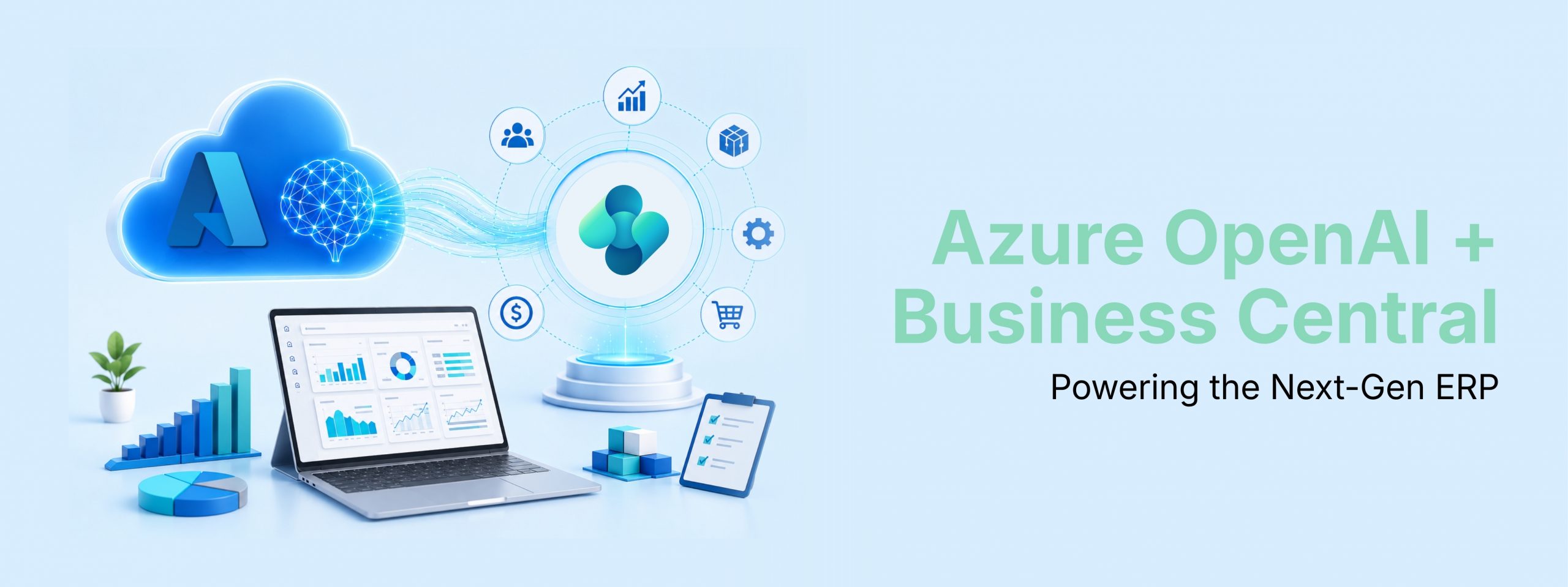

A comprehensive guide to Azure OpenAI and how to harness its full potential inside Microsoft Dynamics 365 Business Central to transform your ERP with generative AI.
What is Azure OpenAI Service?
Azure OpenAI Service is Microsoft’s enterprise-grade offering that brings OpenAI’s advanced language models including the GPT-4o family, GPT-o1, DALL-E, and Whisper directly into the Azure cloud platform. Rather than calling consumer-facing OpenAI APIs, enterprises connect to a fully managed Azure resource that runs on Microsoft’s infrastructure, inheriting its security controls, compliance certifications, and regional data-residency guarantees.
The key distinction is posture: while OpenAI’s own API is a powerful tool for experimentation, Azure OpenAI is purpose-built for regulated, production workloads. Your data is isolated from other customers, never used to retrain models, and governed by the same policies that cover the rest of your Azure estate.
| Enterprise Security Private networking, Azure AD authentication, RBAC, and end-to-end encryption at rest and in transit. | Regional Availability Deploy to the Azure region closest to your users while supporting GDPR, HIPAA, ISO 27001, and other frameworks. |
| Latest Models Access GPT-4o, GPT-o1 reasoning models, text embeddings, and image generation through Azure AI Foundry. | Unified Billing & Monitoring Consumption tracked through Azure Cost Management with observability via Application Insights and Azure Monitor. |
KEY Fact: Microsoft does NOT use your prompts, outputs, or business data sent to Azure OpenAI Service to train, retrain, or improve its foundation models. Data may be retained for up to 24 hours solely for abuse monitoring, and only reviewed if automated systems flag an issue.
Core Capabilities
The chat completions endpoint is the backbone of most business AI scenarios. It accepts a conversation thread system prompt, user messages, assistant replies and returns a generated continuation. GPT-4o is Microsoft’s recommended model for Business Central extensions: it balances speed, reasoning depth, and cost efficiency.
1. Text Embeddings
Embeddings convert text into high-dimensional numerical vectors. Two semantically similar phrases will have vectors that are close together, enabling semantic search, duplicate detection, and recommendation systems all without keyword matching.
2. Assistants API & Function Calling
Function calling lets the model request structured data from your application code rather than hallucinating values. You define function signatures; the model decides when to invoke them and returns a parseable JSON object. This is the mechanism behind Copilot features that read live Business Central records before responding.
3. Vision (GPT-4o with Image Input)
GPT-4o natively accepts images alongside text prompts, enabling document parsing, receipt OCR, warehouse photo classification, and other visual workflows all via the same API endpoint.
Azure OpenAI & Business Central: Deep Dive
Microsoft Dynamics 365 Business Central ships with Copilot built in powered entirely by Azure OpenAI. But the real power emerges when developers and partners extend this foundation with custom AI experiences using the AL developer toolkit for Copilot.
Integration Architecture
The integration follows a structured flow:
- User interacts with a PromptDialog page in Business Central
- That page triggers an AL codeunit containing business logic
- The codeunit calls the AzureOpenAI system module the built-in bridge between AL and Azure OpenAI
- The module assembles the prompt (system context + user input + grounding data from BC tables)
- The API dispatches the call and returns generated text back to the UI
Setting Up Azure OpenAI for Business Central
Follow these steps to provision and connect Azure OpenAI to your Business Central environment:
1. Create an Azure Subscription & Request Access
Sign up at azure.microsoft.com. Azure OpenAI is generally available to all Azure customers verify access in your subscription under ‘Azure OpenAI Service.’
2. Provision an Azure OpenAI Resource
In the Azure portal, create a resource group (e.g., BCAIDemo), select a region, choose pricing tier Standard S0, and set network access. Once deployed, open Azure AI Foundry to deploy a model.
3. Deploy a Model
In Azure AI Foundry, deploy gpt-4o (latest) for chat tasks. Note down your endpoint URL, deployment name, and API key you will need these in AL code.
4. Configure BC Authentication
Use the managed toolkit resources (recommended) or your own subscription. Store secrets securely using Isolated Storage never hardcode keys in AL source.
5. Build the Copilot Experience
Create a PromptDialog page, write an AL codeunit with your business logic and prompt template, and register the feature via the Copilot & Agent Capabilities page.
AL Code: Calling Azure OpenAI
Below is a representative pattern for calling the Azure OpenAI Service from an AL extension using Business Central’s managed toolkit resources, which is Microsoft’s recommended approach:
// Authenticate with managed BC AI toolkit resources
AzureOpenAI.SetManagedResourceAuthorization(
    Enum::"AOAI Model Type"::"Chat Completions",
    AzureOpenAIAccountName,
    AzureOpenAIApiKey,
    AOAIDeployments.GetGPT4oLatest()
);

// Build system prompt with business context
AOAIChatMessages.AddSystemMessage(
    'You are an ERP assistant for Business Central. ' +
    'Use only the data provided in the prompt. ' +
    'Return structured JSON only.'
);

// Add user request
AOAIChatMessages.AddUserMessage(UserQuery);

// Execute the chat completion
AzureOpenAI.GenerateChatCompletion(
    AOAIChatMessages,
    AOAIOperationResponse
);

if AOAIOperationResponse.IsSuccess() then
    ResultText := AOAIOperationResponse.GetResult()
else
    Error(AOAIOperationResponse.GetError());
Real-World Use Cases in Business Central
| Use Case | BC Module | How Azure OpenAI Helps |
|---|---|---|
| Sales Line Suggestions | Sales Orders | Copilot predicts items a customer is likely to buy based on order history, surfacing recommendations inline while creating an order. |
| Bank Reconciliation | Cash Management | AI matches imported bank statement lines to ledger entries using semantic similarity, flagging ambiguous matches for human review. |
| Marketing Text Generation | Item Card | One-click generation of product descriptions for e-commerce channels using item attributes, dimensions, and category data as grounding context. |
| Customer Address Parsing | Customer Master | Converts free-text address strings into structured street, city, and postcode fields validated against existing data. |
| Chat with Your ERP Data | BC Chat | Natural-language queries against Business Central data powered by an MCP server exposing entities through a standardised API. |
| Document Summarisation | Vendor Invoices / POs | Upload a PDF invoice and GPT-4o Vision extracts line items, amounts, and vendor details into Business Central automatically. |
| Anomaly & Fraud Detection | Finance / Audit | AI scans journal entries and purchase orders for unusual patterns and generates plain-English risk summaries for auditors. |
| Inventory Forecasting | Planning Worksheet | Converts demand-planning numbers into actionable recommendations highlighting which items to reorder and when. |
The MCP Server: Next-Level Integration
The Model Context Protocol (MCP) server for Business Central, released in 2025 Wave 2, exposes BC entities customers, items, sales orders, journal entries through a standardised API that any AI platform supporting MCP can consume, including Azure OpenAI and Microsoft Copilot Studio.
This means your Azure OpenAI-powered agents can read and write live BC data conversationally, without custom API wrappers. A user can say ‘create a sales order for Tata Motors for 100 units of SKU-4412 with 30-day payment terms’ and the agent grounded by MCP executes it end-to-end.
Data Security & Privacy
When Copilot calls Azure OpenAI, your prompts and any grounding data are transmitted to Microsoft’s Azure OpenAI endpoint but the entire company database remains in its original location. It is not transferred to Azure OpenAI, not moved to another geography, and AI is not trained on it.
Business Central’s security layer governs what data Copilot can access: it uses the same permissions as the signed-in user. If a user cannot see a customer record in BC, Copilot cannot include it in a prompt either. This architectural choice means RBAC in Business Central automatically extends to AI-generated output.
No Training on Your Data Prompts and outputs are never used to train or improve Azure OpenAI foundation models. | RBAC Carries Through AI can only access data the authenticated Business Central user is permitted to see, enforced at the data layer. |
Data Residency Specify the Azure region where processing occurs, supporting GDPR and India’s PDPB requirements. | Transient Logging Only Prompt data may be retained for up to 24 hours solely for abuse monitoring, not for product improvement. |
Implementation Best Practices
1. Prompt Engineering
Ground your system prompt with precise context: the user’s role, the data format expected in the response, and explicit instructions on what the model should not do. Use few-shot examples for complex extraction tasks. For Business Central, always specify that the model should return structured data (JSON or AL-parseable text) so you can programmatically handle the response.
2. Token Budget Management
GPT-4o has a large context window, but sending entire BC tables is wasteful and costly. Pre-filter records in AL before building the prompt pass only the rows relevant to the current task. Use the Token Budget Advisor in Azure AI Studio to estimate costs and set hard limits via max_tokens.
3. Error Handling & Resilience
Always check AOAIOperationResponse.IsSuccess() before consuming a result. Implement exponential backoff for rate-limit errors (HTTP 429). Consider a circuit-breaker pattern for high-volume batch processes, routing to a graceful fallback rather than flooding the API endpoint.
4. Human-in-the-Loop Design
Copilot in Business Central is designed to augment, not replace, human judgment. Expose AI-generated results in a PromptDialog where users can review, edit, and explicitly approve before data is saved. This keeps the user in control and creates an audit trail of AI-assisted actions.
Azure OpenAI Service and Microsoft Dynamics 365 Business Central represent a rare convergence: enterprise-grade AI infrastructure meeting a mature ERP platform, both under the same Microsoft trust umbrella. The result is a development environment where teams can ship generative AI features with confidence knowing that security, compliance, and cost transparency are handled at the platform level, not bolted on as afterthoughts.
Madhda Inc helps organizations design, develop, and deploy secure Azure OpenAI, Copilot, and MCP-powered solutions that automate workflows, enhance decision-making, and unlock the full value of Dynamics 365 Business Central.